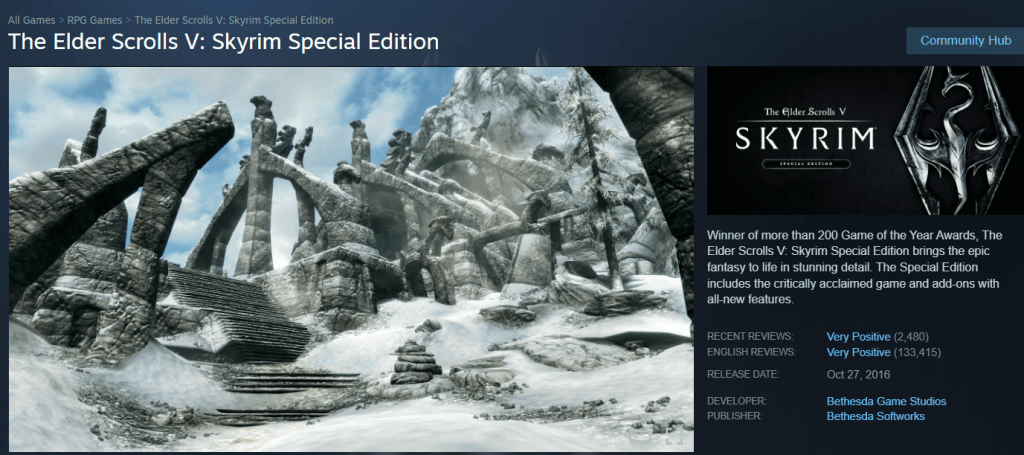
The Elder Scrolls V: Skyrim Special Edition is a wonderful experience that main line Skyrim players can enjoy modifying the original game. The game feels like the original even with modifications that exist in the engine throughout multiple platforms
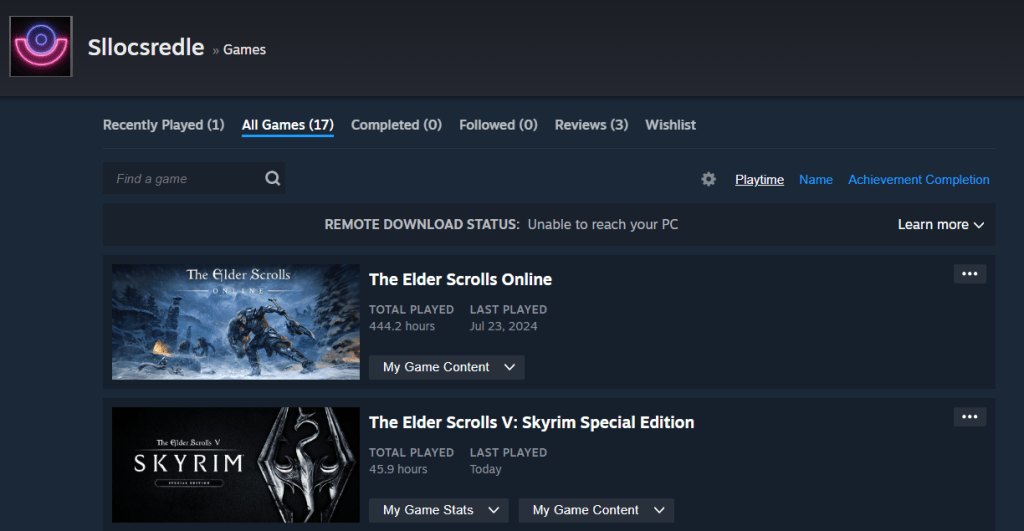
The current issue that some players have had with the game such as The Elder Scrolls Online and the Special Edition having blurred cover images that is a concern with seeing a blank screen or little pigments of the game cover such as the Special Edition
The blurring issue can be caused by uninstalling the game, accidentally pressing the wrong button inside Steam, or other multiple things inside Steam
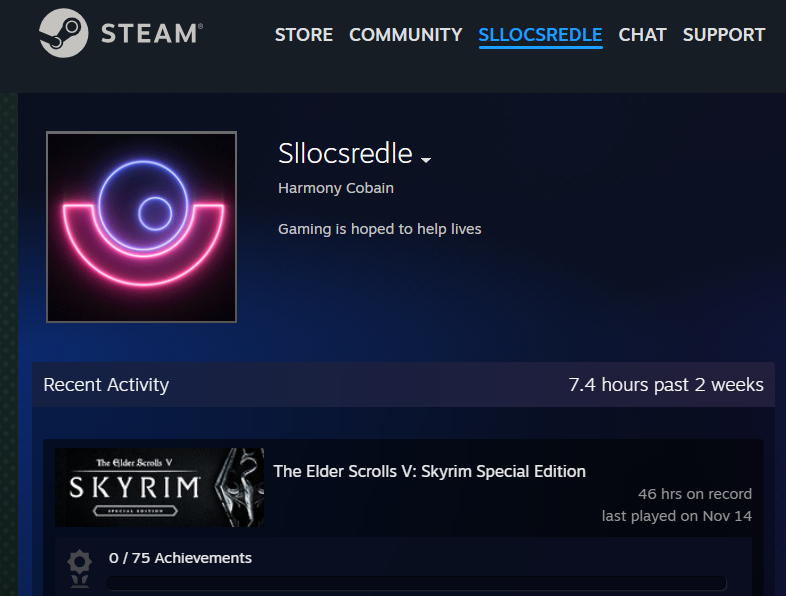
The current problem while playing the game that some players have seen while playing the game with the recent activity showing a blurred image of the game cover while the library game screen shows a clear image while in-game. The issue is still being studied for correction in the Special Edition for improvement and continuity of game play
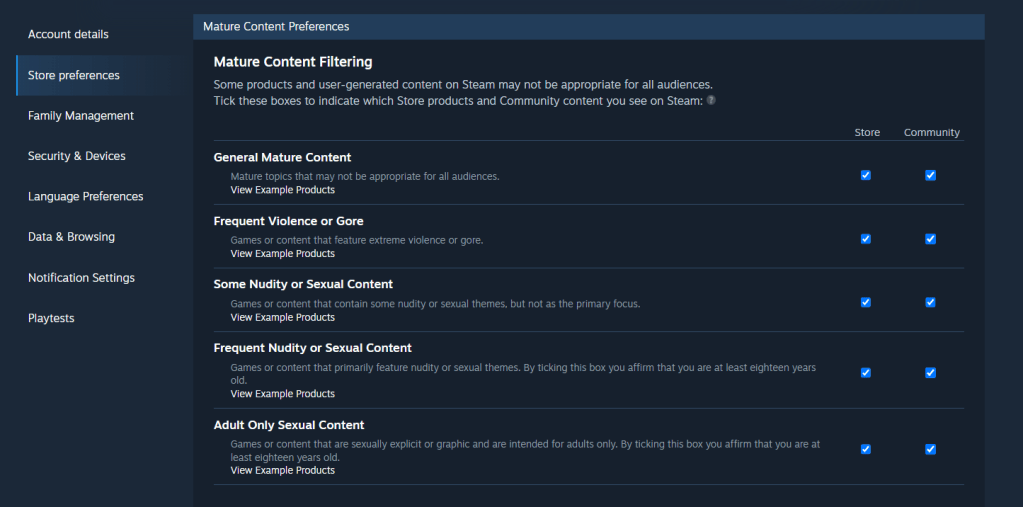
The issue is resolved by a player going into the settings inside the Steam App or the Store Preferences on the top right corner of the normal site throughout the Internet for Steam. The Store preferences page will show the “Mature Content Filtering” that is called a Tick Box that a player can see a check mark in the Store and Community boxes and once the boxes are check marked, the game cover should be available to see and the recent activity screen is still being studied for corrections inside Steam
Thanks for reading this miniature guide into having a better gaming experience with Steam that the little problems like seeing a blurred game cover can be corrected by using the steps seen in here